
Guides to camera simulation, film looks, MiniDV, VHS, and iPhone photography.
A reference library from the team behind Afterhours Camera. Direct answers, original captures, and honest comparisons — including when another app is the better choice.
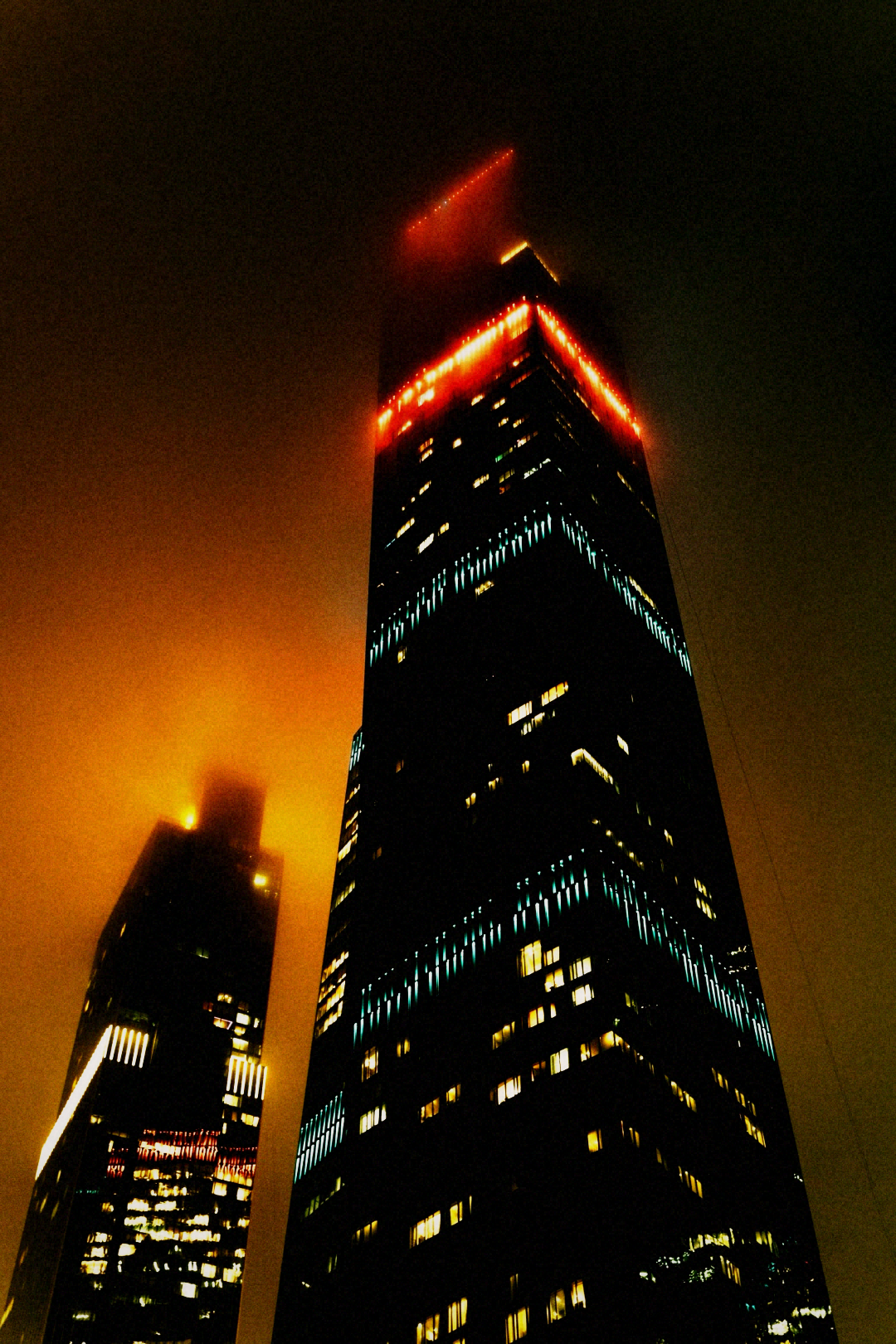
Camera Simulation vs Filters: What's the Difference?
A filter changes how a photo looks. A camera simulation also changes how it's taken. Here's what that distinction actually means — and where each is the right tool.

Best Film Camera Apps for iPhone
The best film camera apps for iPhone in 2026. Nine-dimension evaluation framework, format-specific picks, honest positioning of where Afterhours fits and where it doesn't.
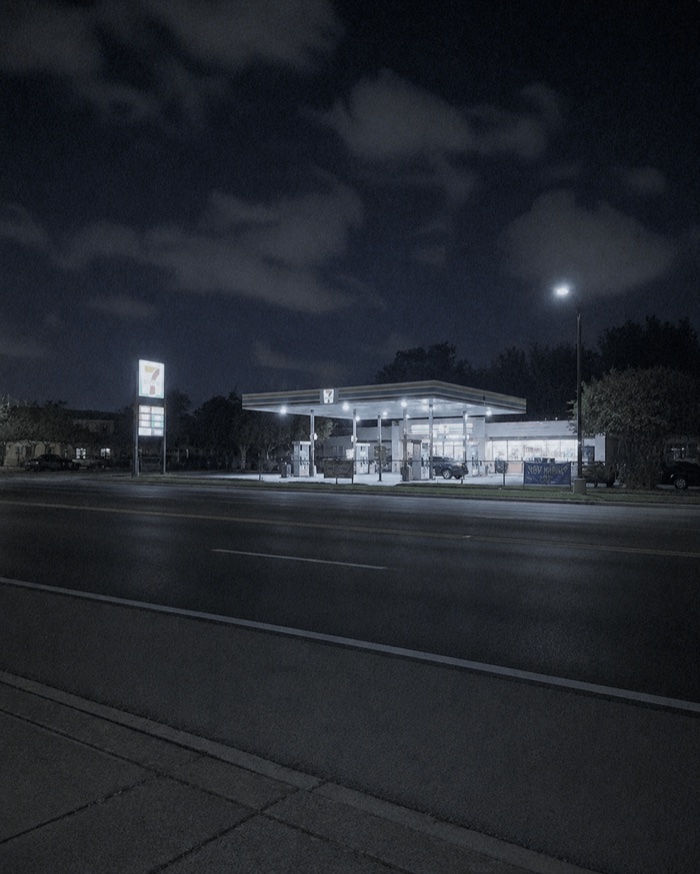
Dazz Cam Alternatives: iPhone Camera Apps Worth Trying
The best Dazz Cam alternative depends on what you shoot. Here's how to evaluate alternatives by use case — still film, camcorder video, disposables, Polaroid, experimental formats, nightlife — plus what Dazz Cam still does well.
How to Get the MiniDV Look on iPhone
The MiniDV look isn't a timestamp overlay. Here's what actually creates it — 4:3 framing, interlaced motion, tape-era chroma, MPEG audio — and how to shoot it on iPhone in five minutes.
How to Make iPhone Videos Look Like VHS
The VHS look isn't grain. It's a specific composite-signal chain — chroma bleed, luma smear, cross-colour rainbow crawl, and a head-switch tear at the bottom of every frame. Here's how to get it on iPhone.
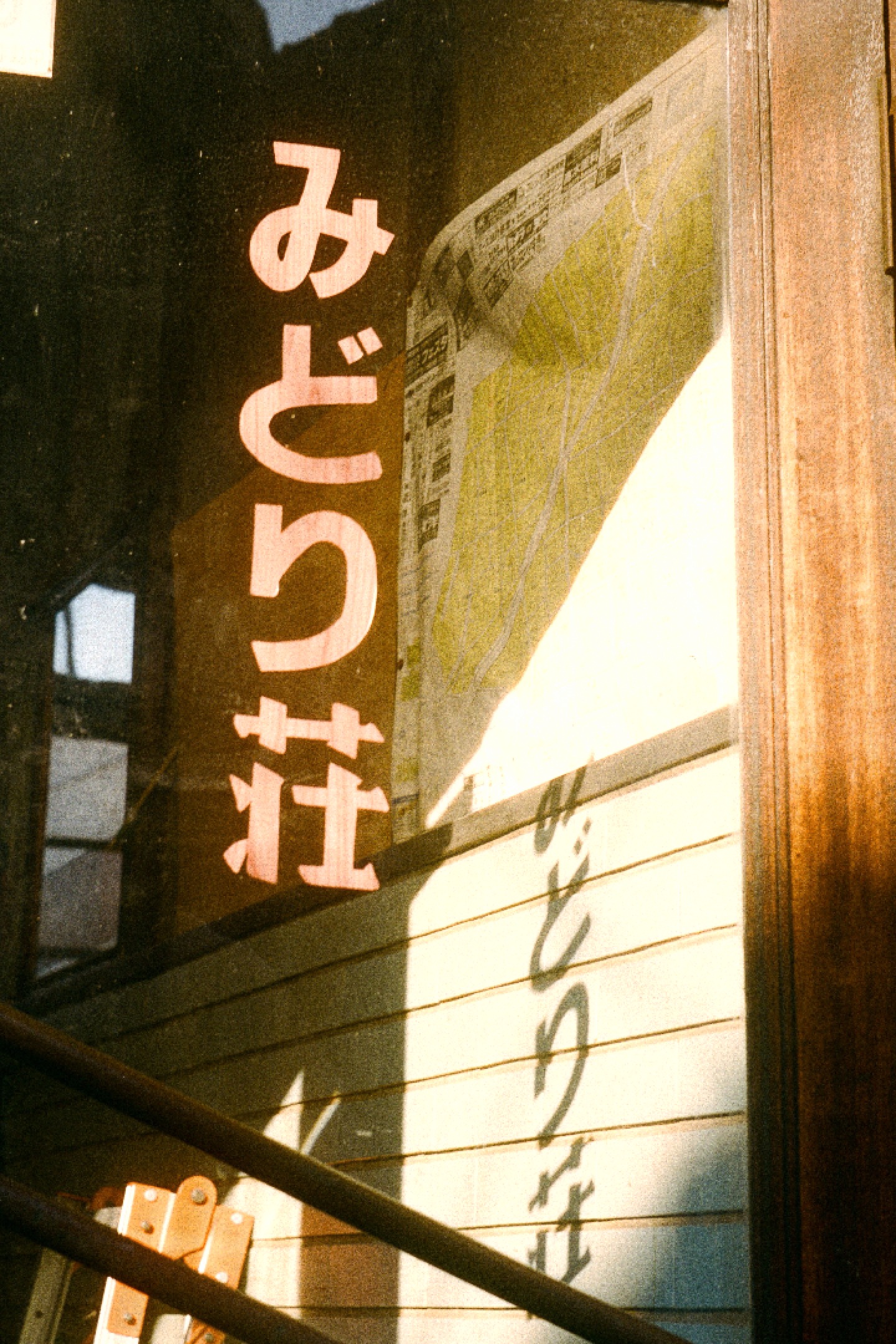
Best Disposable Camera Apps for iPhone
The best disposable-camera app enforces a real shot count, ships a fixed single-fire flash, models authentic light leaks, and uses a near-neutral colour grade. Here's how to evaluate any option.
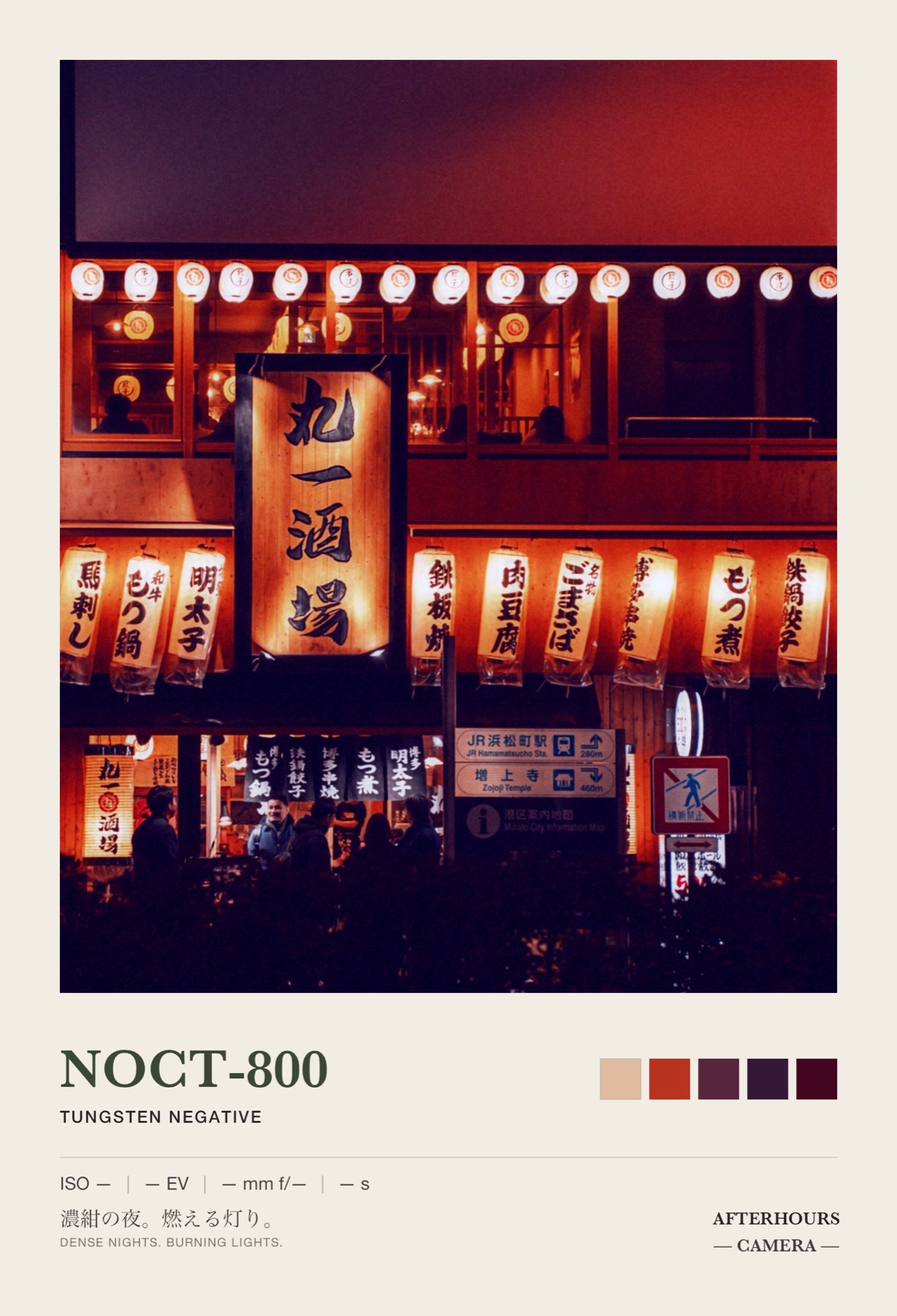
Best Camera Apps for Nightlife and Parties
Nightlife shooting rewards fast launch, forgiving low-light preview, flash that fires correctly, and a distinctive look without editing. Here's how to evaluate any camera app against real venue conditions.
How to Get the Early-2000s Digital Camera Look on iPhone
The 2000s digicam look isn't 'lower quality.' It's a specific set of CCD-sensor behaviours — bimodal ambient/flash grade, purple fringing, JPEG blocking, harsh highlight clip, no shadow lift. Here's how to get it on iPhone.
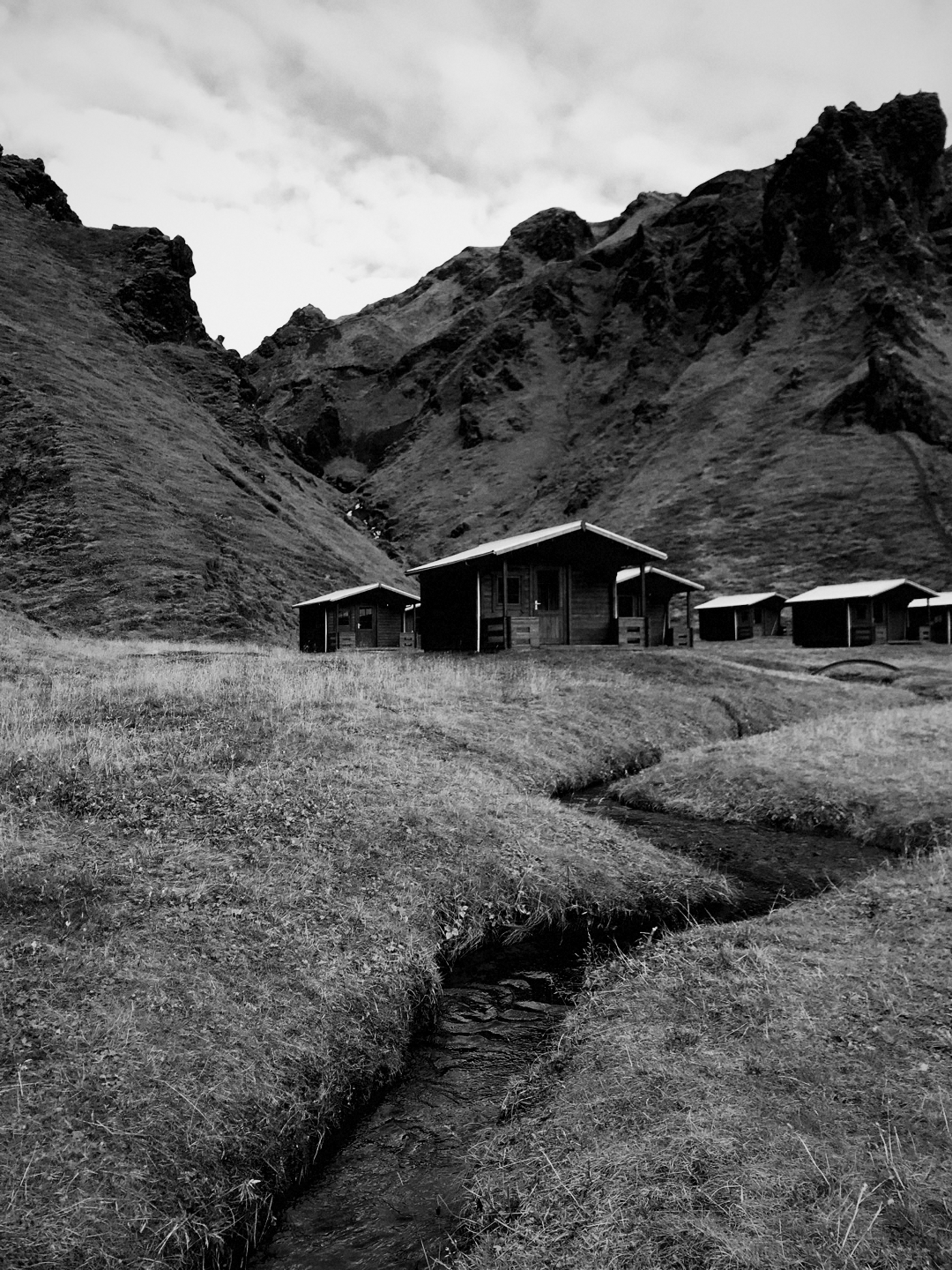
Why Vintage Camera Apps Often Look Fake
Vintage camera apps look fake when they apply the same decorative artifacts to every image without modeling how a camera or format responds to light, motion, time, framing, exposure, compression, and capture behaviour. Here's the checklist.
How to Recreate a 2000s Camcorder Without Buying One
Three routes to a 2000s camcorder look on iPhone — buy real hardware, use a real-time camera simulation, or fake it in post. Here's the cost, convenience, authenticity, and reliability trade-off for each.
Or just
shoot.
DOWNLOAD ON THE APP STOREAfterhours Camera is an iPhone camera app built around real-time camera simulations — film, MiniDV, VHS, disposable, early-digital, and nightlife looks. These guides are published by Afterhours and written by Peter Garcia. When another app is a better fit for a specific use case, we say so.