
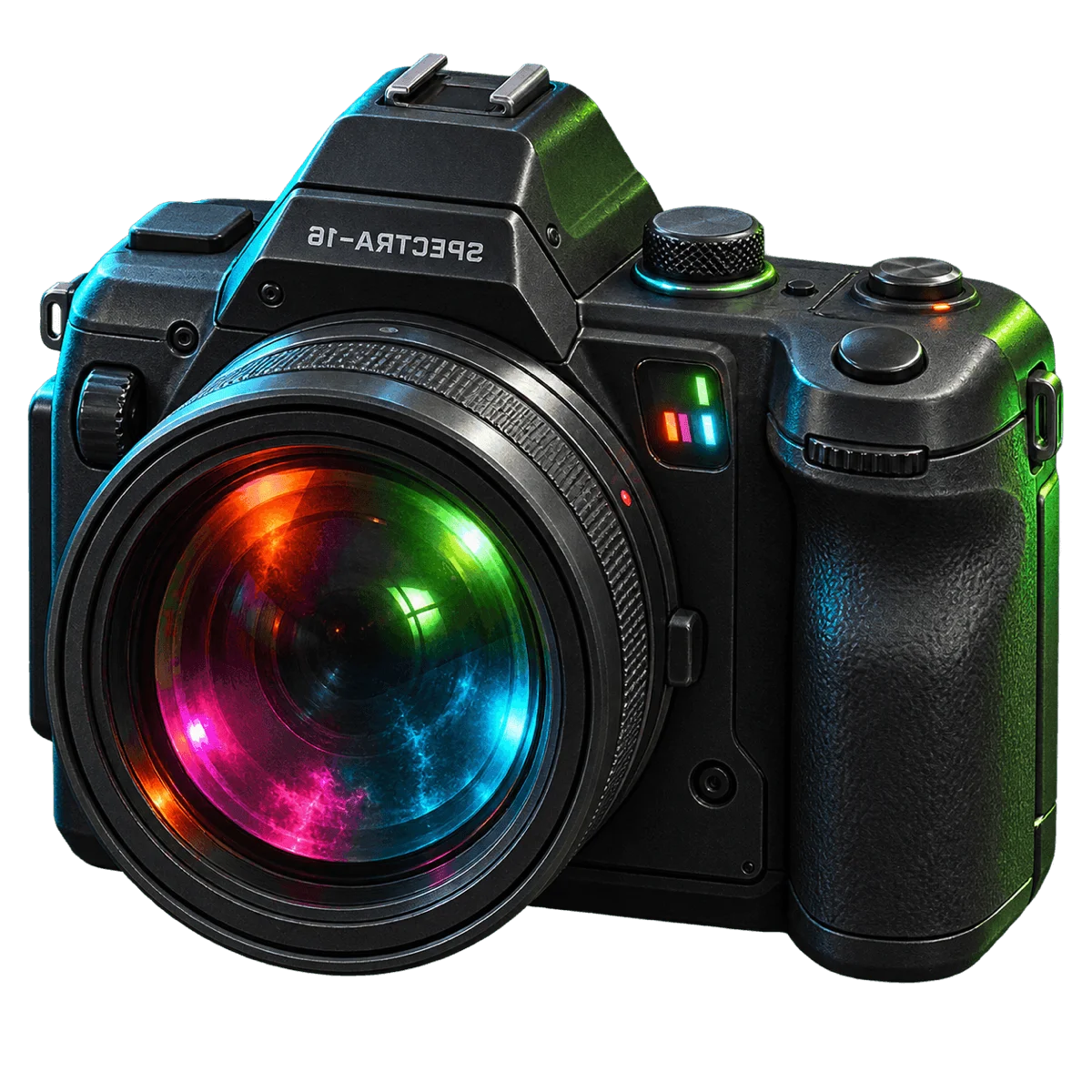
SPECTRA-16Y2K digicam
Nineteen ways to shoot the same room.
- Reference
- Late-1990s Sony Cyber-shot / Mavica NEG.ART-lineage effect-dial digicam
- Format
- 4:3 CCD-native default · 16:9 toggle
- Modes
- Photo · Video
- Video
- 30fps · 60s max clip
- Flash
- preflash-burst
- Pricing
- Free
What it simulates
- Cruder JPEG than CZ-30 — a generation earlier
- Purple fringing (0.4)
- Aggressive sharpen halos (0.5)
- Heavier JPEG blocking (0.3)
- Harder CCD highlight clip (knee 0.9)
- Flash-falloff vignette (0.15)
- Saturation raised to 0.85 so effects have chroma to chew
- Full LCD chrome burned in-signal — battery, VGA chip, AF ticks, EFFECT readout, REC clock
How it behaves at capture
- Both photo and video, 30fps, 60-second clip cap
- Preflash-burst flash
- 4:3 CCD-native default, 16:9 toggle
- Boots to EFFECT: OFF, like real ones did — the effect is a mode you actively engage
- EFFECT dial: 20 modes (NEG, SOLAR, INFRA, ACID, and more)
- OSD burns into captures WYSIWYG — the LCD readout you see is the LCD readout in your file
What SPECTRA-16 is
SPECTRA-16 is a Y2K Sony Cyber-shot / Mavica-lineage digicam with a 20-mode EFFECT dial. It's what your older cousin's camera looked like in 1999 — a small silver body, a big LCD, a physical mode wheel with settings called NEG.ART and SOLARIZE and INFRA. Half of your holiday photos were accidentally shot in NEG.ART because someone bumped the dial.
The EFFECT dial
Twenty modes: NEG, SOLAR, INFRA, ACID, POSTER, and more. The dial is the camera. Every mode changes what you see in the viewfinder — live, not after — because the real dial changed what the imaging sensor sent to the LCD. Effects boot to OFF, like real ones did; you have to actively engage one to shoot with it. The saturation is raised to 0.85 so the effects have chroma to chew on.
WYSIWYG LCD chrome
The OSD — battery indicator, VGA chip badge, AF ticks, EFFECT readout, REC clock — renders through a CRT-style shader child that takes the active filter and burns the chrome into the capture. What you see on the LCD is what shows up in the exported file. This wasn't a bug on real Y2K digicams; it was the "print status bar to image" mode, and users left it on.
How to shoot with SPECTRA-16
- Turn the EFFECT dial. If you don't, you have a normal (cruder) 2000s digicam. If you do, you have a camera that's fully committed.
- 4:3 CCD-native framing; 16:9 if you want to break the box.
- The flash is preflash-burst — modern behaviour on an old camera.
See also CZ-30 (quieter 2004 digicam), FLUX-1 (modern computational effect-forward), and Camera Simulation vs Filters.
Frequently asked questions
What's the EFFECT dial?
A 20-mode effect selector — NEG, SOLAR, INFRA, ACID, POSTER, and more. It's the camera's identity. Real Sony Cyber-shot and Mavica cameras from the late 1990s shipped effect dials like this, and SPECTRA-16 models the same behaviour. The effect is live in the viewfinder — what you see is what you shoot.
Why does the LCD stuff show up in my photos?
Because on real Y2K digicams, when you set the OSD to overlay mode, the LCD chrome burned into the captured file. SPECTRA-16 renders it the same way — the LCD readout in the viewfinder is the LCD readout in your export. It's not stamped on afterwards; it goes through the same signal path as the picture.
How is SPECTRA-16 different from CZ-30?
SPECTRA-16 is loud — 20-mode effect dial, LCD chrome burning into every capture, cruder JPEG. CZ-30 is quiet — restrained JPEG artifacts, bimodal flash/ambient LUT, no effect dial. Both are 2000s digicams, but SPECTRA-16 is a generation earlier and much more of a personality.
Is SPECTRA-16 free?
Yes. SPECTRA-16 ships free with the app.
Published by Afterhours Camera. Reviewed . Corrections and questions: bricksandcanvas@gmail.com.